Find your tone in 20 seconds
Hear ringing in your ears? Find its pitch and listen to noise or your own music with that pitch filtered out. To relax, focus and sleep.
Android: free today in early access. iPhone, Mac and Windows: coming soon.
- No account
- Works offline
- Volume capped
- Not a medical device
- Privacy
Get Tonavi
Free on iPhone, Android, Windows and Mac. Pro is a single in-app purchase.
Try it on Android before anyone else
Tonavi is in closed testing on Google Play. Join in two steps with your Google account:
- Join the testers groupJoin the Early Access Testers group. It is one group for all our apps.Join the group
- Turn on the Tonavi testOpen the link, tap "Become a tester" and download Tonavi from Google Play.Become a Tonavi tester
Tonavi
Free · Pro 25 USD one-timeTone finder, pink and white noise and journal for free. Pro adds your music, brown noise, long sessions and sleep mode.
That simple
Three steps, under a minute. Everything happens on your phone or computer.
Find your tone
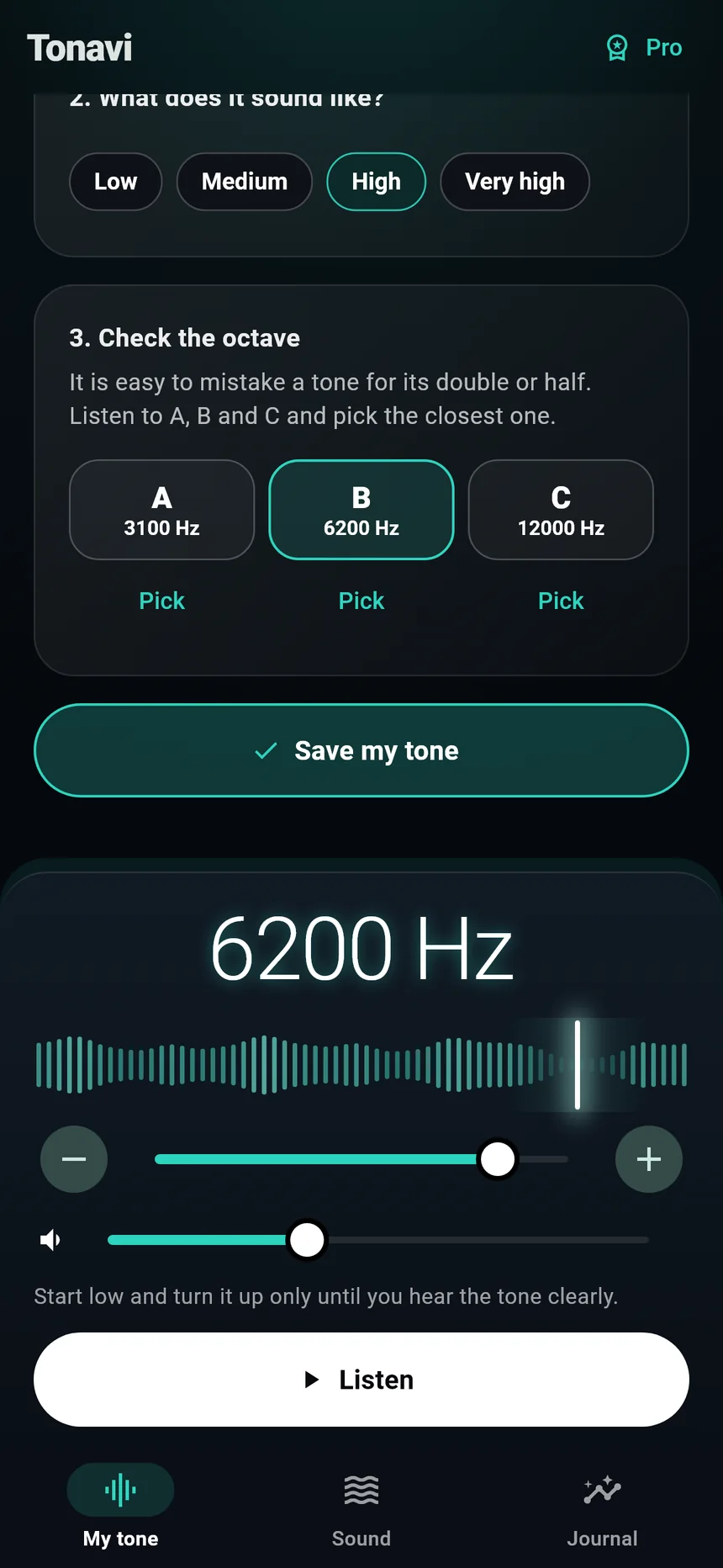
Pick the ear, move the tone until it sounds like your ringing and check the octave (it is easy to mistake it for its double or half).
Pick your sound
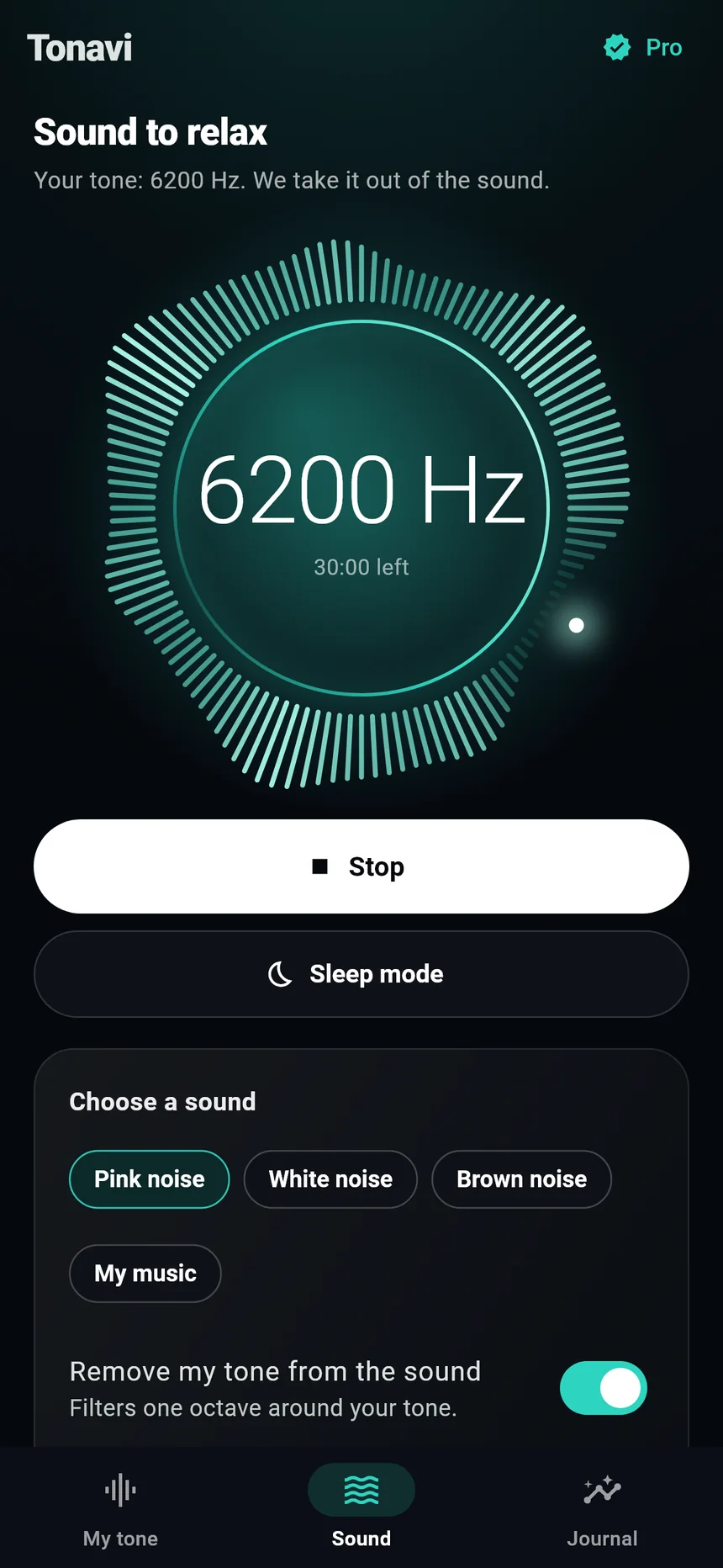
Pink, white or brown noise, or your own music. Tonavi removes one octave around your tone.
Listen quietly
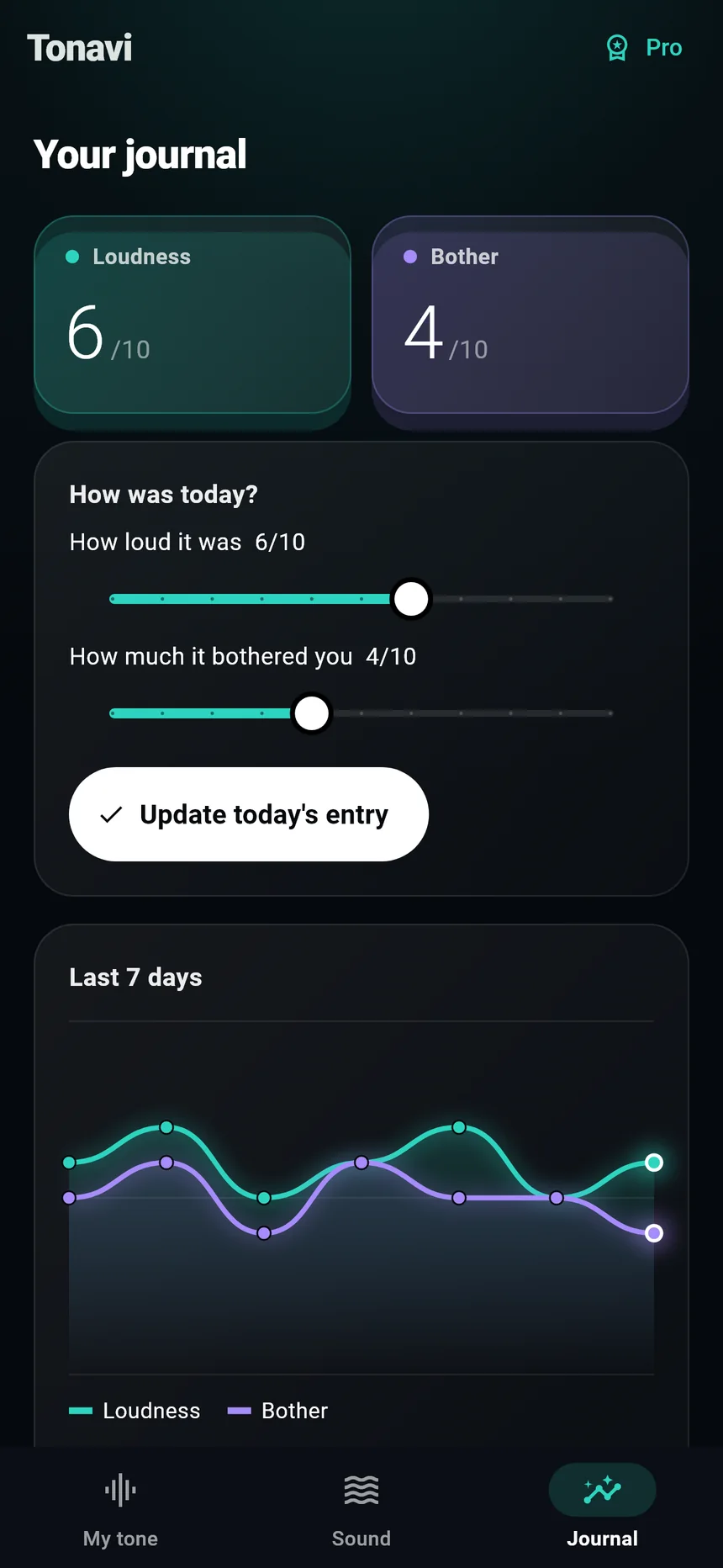
Set the timer or sleep mode and log your day in 10 seconds.
Built differently
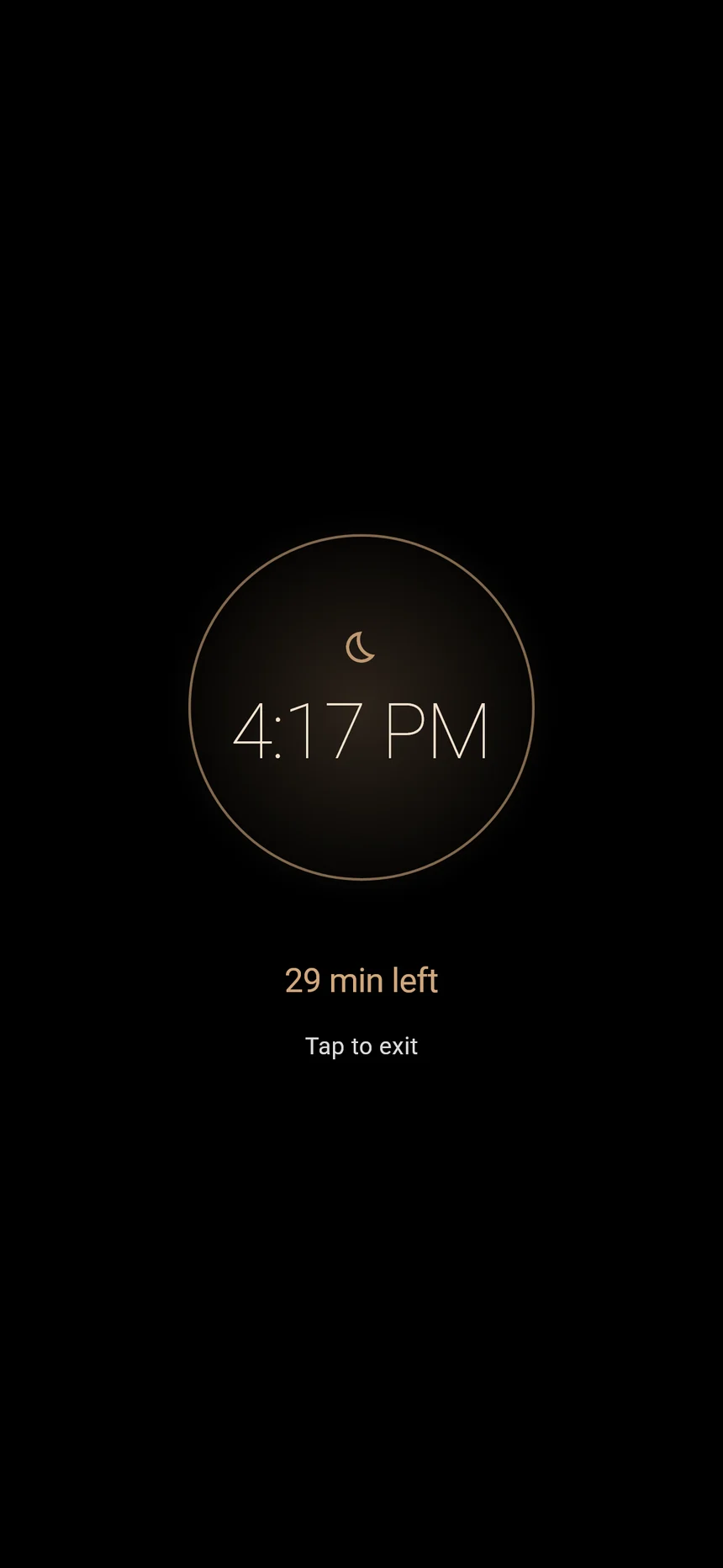
Sleep mode
Black screen and gentle fade-out
Real desktop apps
Native apps for Windows and Mac, not a web page. Listen while you work.
Private
No account, no server. Your music and journal never leave your device.
Fair price
One payment of 25 USD, yours forever. No subscription.
Your language
30 languages from day one.
What Tonavi is and isn't
Tonavi is a sound tool to help you relax, focus and sleep. It is not a medical device and does not diagnose, treat or cure tinnitus. Always use a low volume. See a health professional if the ringing started suddenly, is in one ear only, beats with your pulse, or comes with hearing loss or dizziness.
Pricing
Free
- Guided tone finder
- Pink and white noise with your tone filtered out
- 30-minute sessions
- 7-day journal
Pro
- Everything in Free
- Your own music with your tone filtered out
- Brown noise
- Long or unlimited sessions and sleep mode
- 90-day journal
- One-time payment, yours forever
Frequently asked questions
What is Tonavi?
An app for iPhone, Android, Windows and Mac that helps you find the pitch of the ringing in your ears and listen to noise or music with that pitch filtered out, to relax and sleep.
Is Tonavi a medical device?
No. Tonavi is not a medical device and does not diagnose, treat or cure tinnitus. It is a sound tool. If your ringing is new or has changed, see a health professional.
What is notched sound?
Noise or music with a one-octave band around your tone removed. Research on its effects is mixed, so we do not promise results.
Does my data leave my phone?
No. All audio is processed on your device. There is no account and no server.
How much does it cost?
The tone finder, pink and white noise and the 7-day journal are free. Pro is a one-time 25 USD, with no subscription.
How do I find the pitch of the ringing in my ears?
Pick the ear where you hear it, choose a range, slide the tone until it sounds like your ringing and then compare it with its octave below and above, because it is easy to confuse a tone with its double or half. Keep the volume low. Tonavi guides you through it in about 20 seconds.
Which devices and languages does Tonavi support?
Native apps for iPhone, iPad, Mac, Android and Windows. The app is available in 30 languages: English, Spanish, Portuguese, French, German, Italian, Dutch, Polish, Czech, Slovak, Danish, Swedish, Norwegian, Finnish, Hungarian, Romanian, Turkish, Indonesian, Malay, Vietnamese, Greek, Ukrainian, Arabic, Hebrew, Hindi, Thai, Japanese, Korean and Chinese (simplified and traditional).
Does Tonavi work without internet?
Yes. Sound is generated and filtered on your device, so you can listen offline (buying or restoring Pro needs a connection to your app store). There is no account, no ads and no server.
How is Tonavi different from other sound apps for ringing in the ears?
Tonavi filters your own tone out of noise or your own music on your device, checks the octave when you match the tone, has native apps for Windows and Mac as well as phones, and Pro is a single 25 USD purchase with no subscription.

Get Tonavi
Free on iPhone, Android, Windows and Mac. Pro is a single in-app purchase.
Get early access